

/invite @Deductive into channels and configure per-channel alert routing without admin involvement. Your job is the install.
Step 1: Install the Slack app
- In Deductive, open Integrations → Slack.
- Click Install Slack app. You’ll be redirected to Slack’s standard app authorization screen.
- Pick the Slack workspace where your team’s alerts post. (If you administer multiple workspaces, double-check.)
- Slack shows you the requested OAuth scopes. Read messages from public channels the bot is invited to, post messages, read alert metadata. Click Allow.
- You’ll be redirected back to Deductive. The Slack connector flips to a green dot.
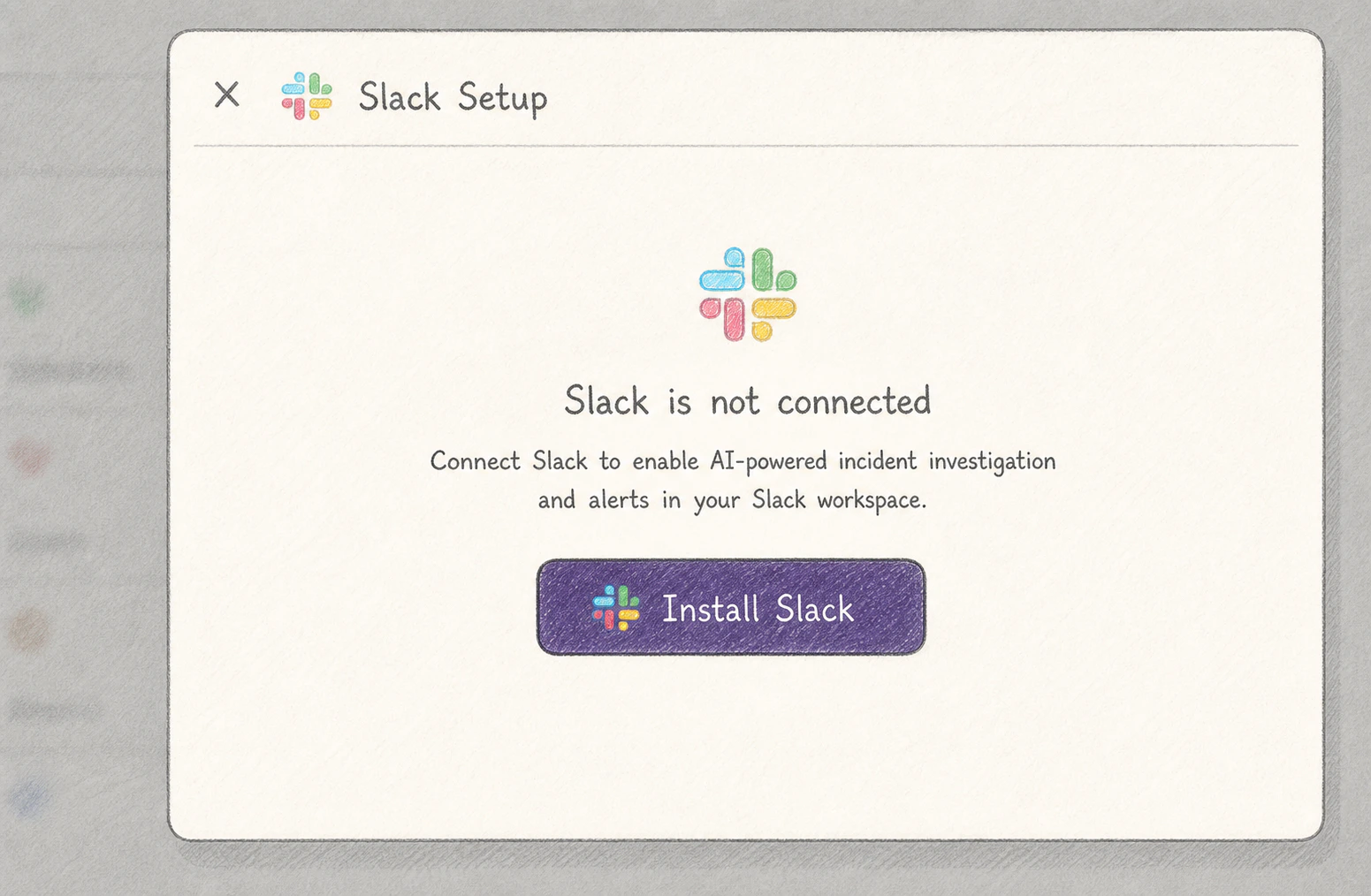
Slack OAuth authorization screen. The scopes requested are read-only on channels the bot is invited to.
Slack requires a workspace admin to authorize new apps unless your workspace allows non-admin installs. If you hit a “must be approved by an admin” wall, request approval through Slack’s flow and resume here once it’s granted.
Step 2: Verify the bot is in your workspace
Open Slack. Search for@Deductive in the people sidebar. You should see the bot listed as a workspace member. Send it a quick DM (hi is enough) and you should get a ”👋 ready” reply within a few seconds.
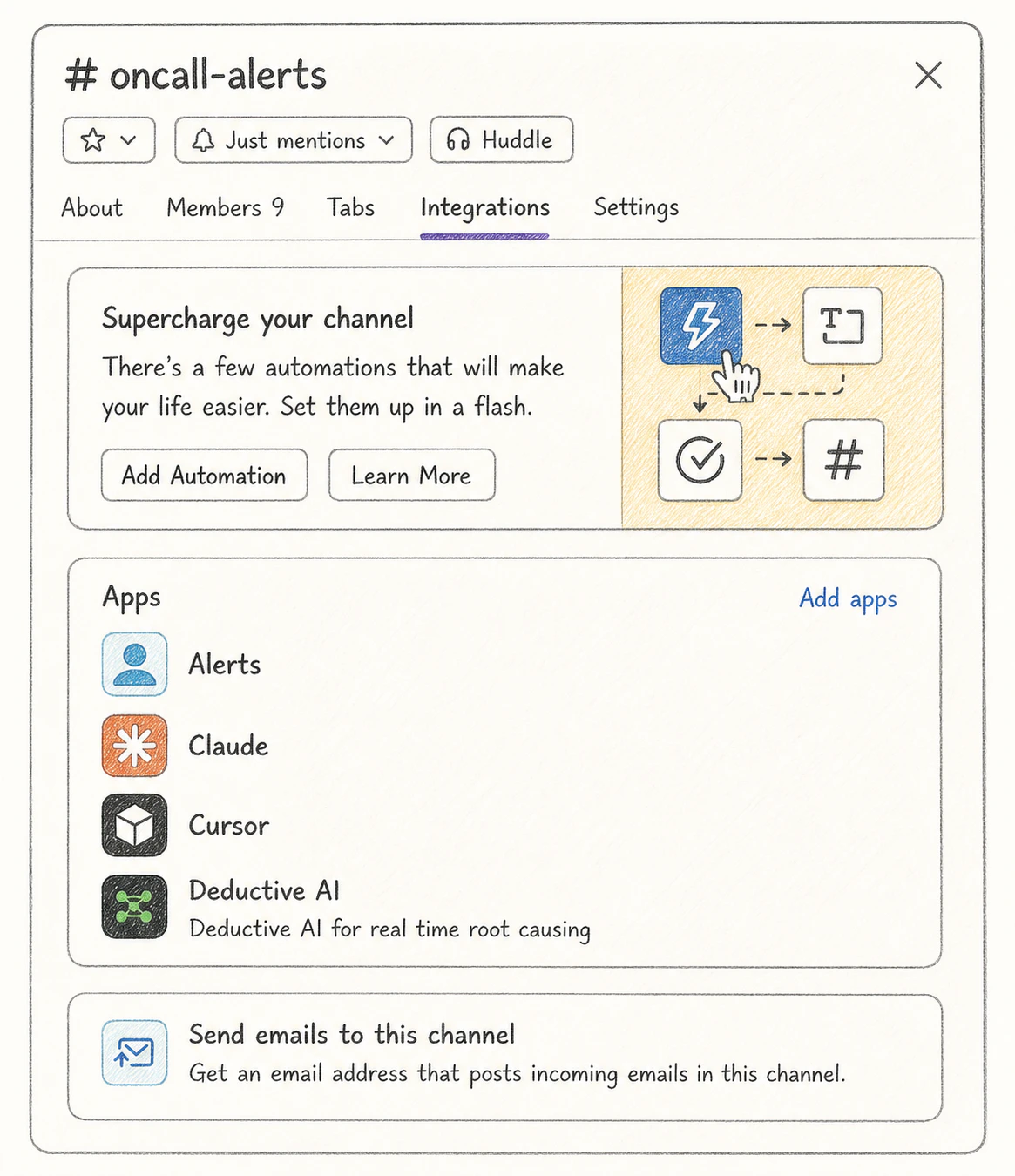
The Deductive bot's profile in Slack. The bot is workspace-level; you'll add it to specific channels next.
Step 3: Invite the bot to one channel as a smoke test
You don’t need to invite the bot to every alert channel right now. That’s a per-team thing your members will do themselves. But it’s worth proving the channel-level integration works once.- Pick any channel. Your own DM, a sandbox channel, or your real
#alertschannel. /invite @Deductive- Type
@Deductive what can you do?in the channel. The bot should reply with a short capabilities summary.
Step 4: Hand off to the team
The rest of Slack setup is per-channel and per-team. Your team members can do it themselves without admin involvement. Point them at:- Use Deductive in Slack. Daily Slack use patterns.
- Wire alerts to auto-investigate. Channel filters, custom regex, triage mode.
What just happened
The Slack workspace knows the Deductive bot, OAuth is in place, and the bot can be invited into channels. Per-channel alert routing, custom regex patterns, triage-mode toggles. All of that is user-track work, not admin-track. You’re out of the loop.Try this next
Done-when checklist
Confirm the workspace is genuinely ready before sharing user docs with your team.